
About this Event
Date: November 14, 2026
Time: 8:00 AM - 12:30 PM
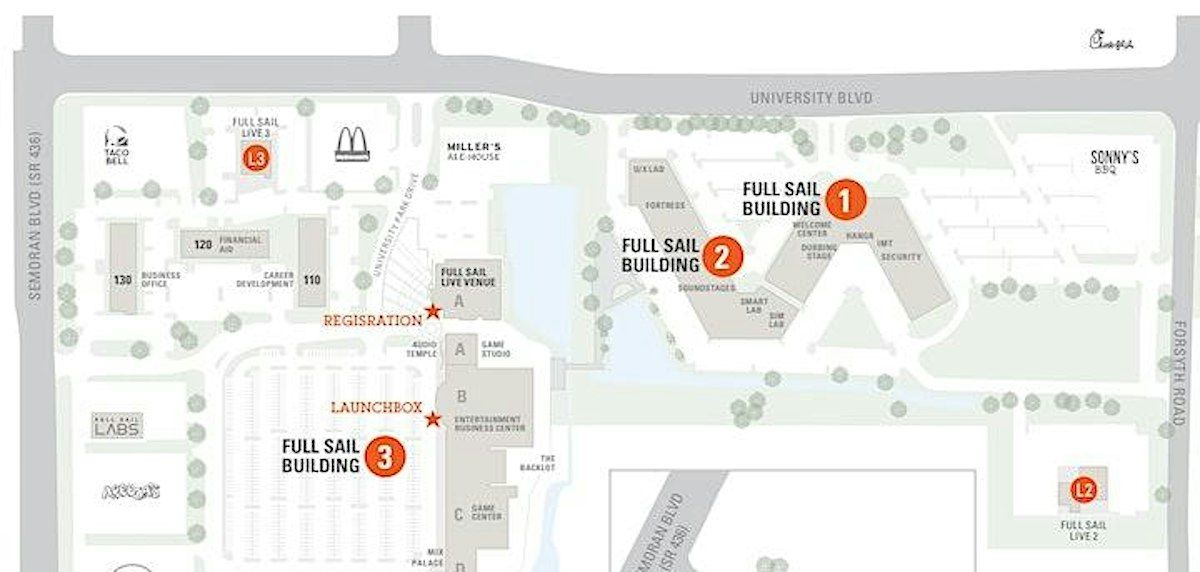
Location: Full Sail University, Building 3C (see map below)
Workshop: Fake It to Catch It: Building Deepfakes So You Can Spot Them
Trainer : James McQuiggan
CPEs: 4
Tech Requirements: You will need to bring a laptop. You can do this work locally on your own laptop if it meets the requirements or through the use of cloud resources. To determine which you will need, please see the requirement details listed further below for more specific information.
Continental breakfast will be provided and there is free parking on site. Refer to the map below - Full Sail Building 3 B/C. (https://go.fullsail.edu/assets/ext/orientation-location-map.pdf)
We look forward to seeing you there for an informative and interesting workshop!
This meeting will count towards 4 CPE's!
Training Workshop:
Fake It to Catch It: Building Deepfakes So You Can Spot Them
Abstract:
Seeing is no longer believing, and hearing isn’t either. In this four-hour, hands-on workshop, you will build a video deepfake, using the same kinds of open-source and commercial-grade tools a real attacker would use. You’ll retrieve source footage of a target and clone their voice from a short sample. You’ll sync that voice to their face and generate brand-new talking video from a single still photo. Each step saves a file that feeds the next part of the process.
By the end, you’ll have built the full fabrication chain: a synthetic face and a synthetic voice, synced together. Then you’ll watch a live, real-time face swap on a video call, the same class of attack that cost one multinational firm roughly $25 million.
Building it is how you learn where it breaks. At each stage, you’ll look for the audio and visual tells that detection depends on, and you’ll see why a detector alone won’t save you. We finish by turning what you built into a scoped, authorized social-engineering test, and into the verification controls that can stop these attacks.
Walk out with your own deepfake artifacts, a working cloud toolchain you can reuse, and first-hand evidence for your leadership, not vendor projections.
Difficulty
Beginner to Intermediate
No AI, machine-learning, or coding background is needed.
Labs run on a cloud GPU platform you manage yourself. The ability to troubleshoot simple setup issues (logging in, launching an instance, uploading and downloading files) matters more than technical depth.
If you are running your own local machine, you will need to preload applications and materials prior to the workshop, which will be sent out in an email ahead of time.
Pre Requisites
Pre-class setup checklist (complete before start of workshop):
- Create a MimicPC account and add credit. (preferably $10)
- Download the workshop setup guide and workflow files (will be emailed to attendees the week before the event)
- Launch a Large-tier instance and follow the setup guide to load the workshop workflows. The first launch downloads large model files, so doing this ahead of time keeps class time for building.
- Run the setup check in the guide to confirm everything loads, then shut the instance down.
Optional: if you want to use your own likeness, record a clean, front-facing video of yourself (about 60 seconds, speaking naturally, good light, quiet room) and take one clear front-facing photo.
Ethics and authorization
All hands-on work uses a consented people pack provided by the instructor, or your own face and voice. No public figures, coworkers, or other third parties.
This is a skills course for authorized assessment and defense, not a fraud tutorial.
System Requirements
There are two ways the students can create the synthetic media: locally or in the cloud. Locally will require a gaming-style laptop, preferably with an NVIDIA GPU with 16-24GB NVRAM running on Windows.
Cloud path (recommended for everyone):
- Any modern laptop or desktop (8 GB RAM or more) with a current Chrome, Edge, or Firefox browser
- Stable broadband internet since you’ll move video and audio files between your machine and the cloud
- A MimicPC account with about $10 in credit (details below). No local software installs or GPU required.
- Optional: a webcam and microphone if you want to use your own likeness as source material
Local path (optional; for experienced users):
- NVIDIA GPU with 24 GB+ VRAM (RTX 3090 / 4090 / 5090 class or equivalent)
- Windows 11 or Linux, 32 GB+ system RAM, 100 GB+ free SSD space
- Python 3.10+, git, and ffmpeg installed. Local setup guidance is shared before class.
- Apple Silicon Macs are not supported for the labs due to the limitations of the tools. Mac users should use the cloud path.
- Live support during class goes to the cloud path first. If your local setup breaks mid-lab, switch to a cloud instance.
VM/Lab/Student Requirements
All synthetic media generation can run on the student's Windows-based machine with an NVIDIA graphics card and 24GB NVRAM. If the student does not have this type of high-end system, they will need to use MimicPC, which is a browser-based cloud GPU platform capable of running the resource-intensive applications to create the AI generated synthetic media.
For MimicPC, each student uses their own account. You’ll use a Large-tier instance (24 GB GPU, L4/A10 class). The instructor will provide a pre-built workflow files and step-by-step setup instructions before the session.
Estimated cost:
Budget about $10 in MimicPC credit, which covers setup, the four-hour class, and some practice afterward. The Large tier is currently listed at about $0.99/hour on-demand (as of September 2026; check MimicPC’s pricing page, since rates change). The free trial credit is not enough to complete the labs.
Please note: MimicPC purchases are non-refundable.
Students should sign up and pay for the MimicPC cloud instance directly. Compute cost is not included in the workshop price.
Bio:
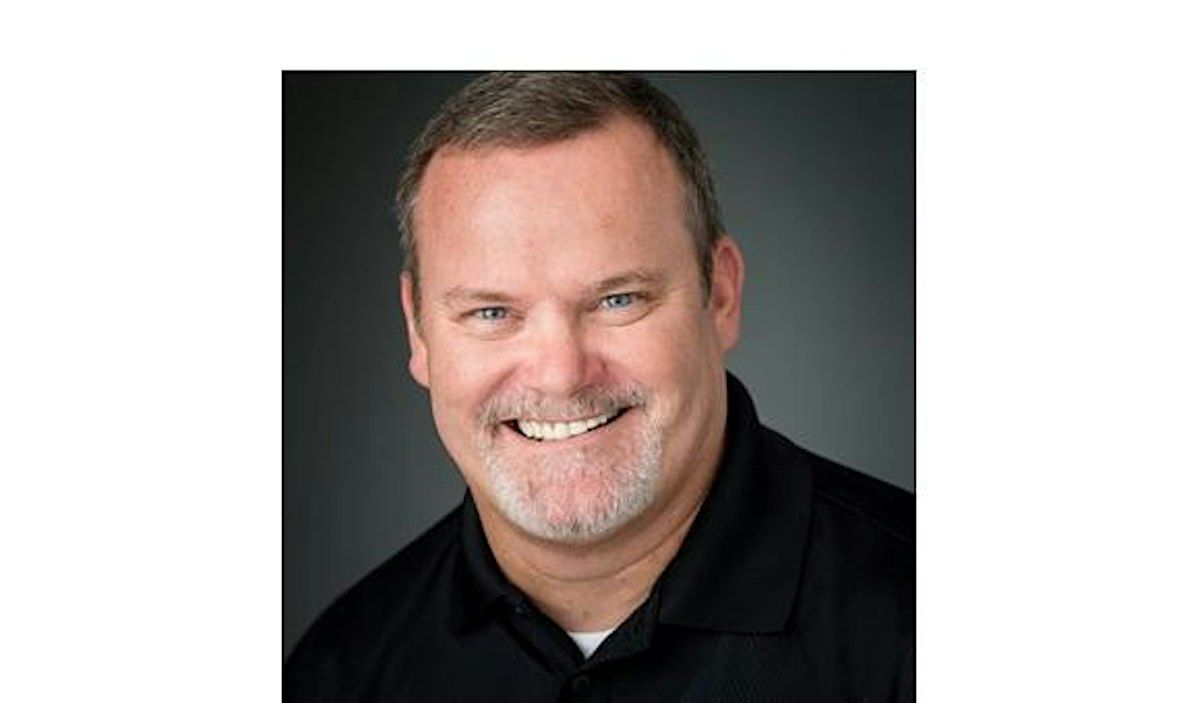
James McQuiggan is the founder and Advisory CISO of Apparent Security, with more than 25 years in cybersecurity. He has built dozens of synthetic media artifacts across video, audio, and images, including clips convincing enough to make Alethe Denis, Mishaal Khan, and John Strand look like old friends of his. He teaches defenders where synthetic media breaks and which verification controls hold. Previously CISO Advisor at KnowBe4 and a senior cybersecurity leader at Siemens (Energy and Wind), he is part-time faculty at Full Sail University and volunteers with ISC2 as Co-chair of the North American Region Advisory Council.
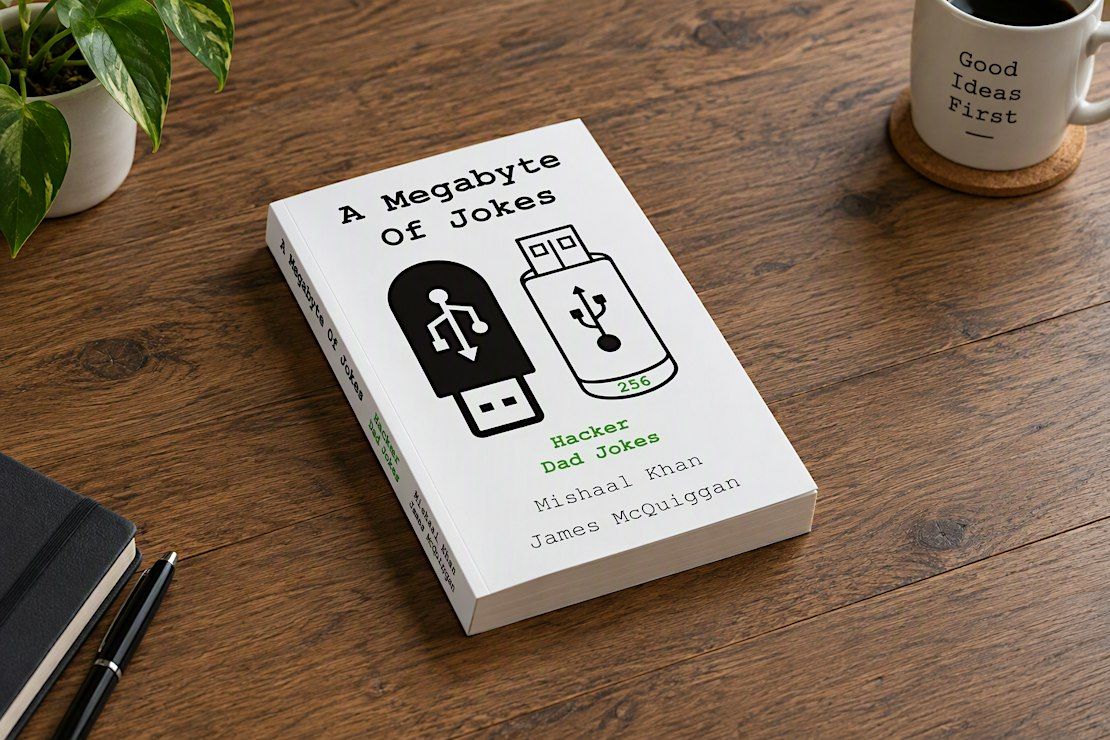
James also co-authored a book of dad jokes (A Megabyt Of Jokes). If you already have a copy of James's book, bring it and he will gladly autograph it.
If you don't have his book yet, you can get one ahead of time on Amazon to bring.
https://www.amazon.com/Megabyte-Jokes-Mishaal-Khan/dp/B0H8NNPTW5/
Event venue & nearby stays
Full Sail University, 175 University Park Dr, Winter Park, United States
 Concerts, fests, parties, meetups — all the happenings, one place.