
 Are you ready to start down the path of advanced 3D modeling and want to try out Blender? This class is for you.
About this Event
Workshop Description:
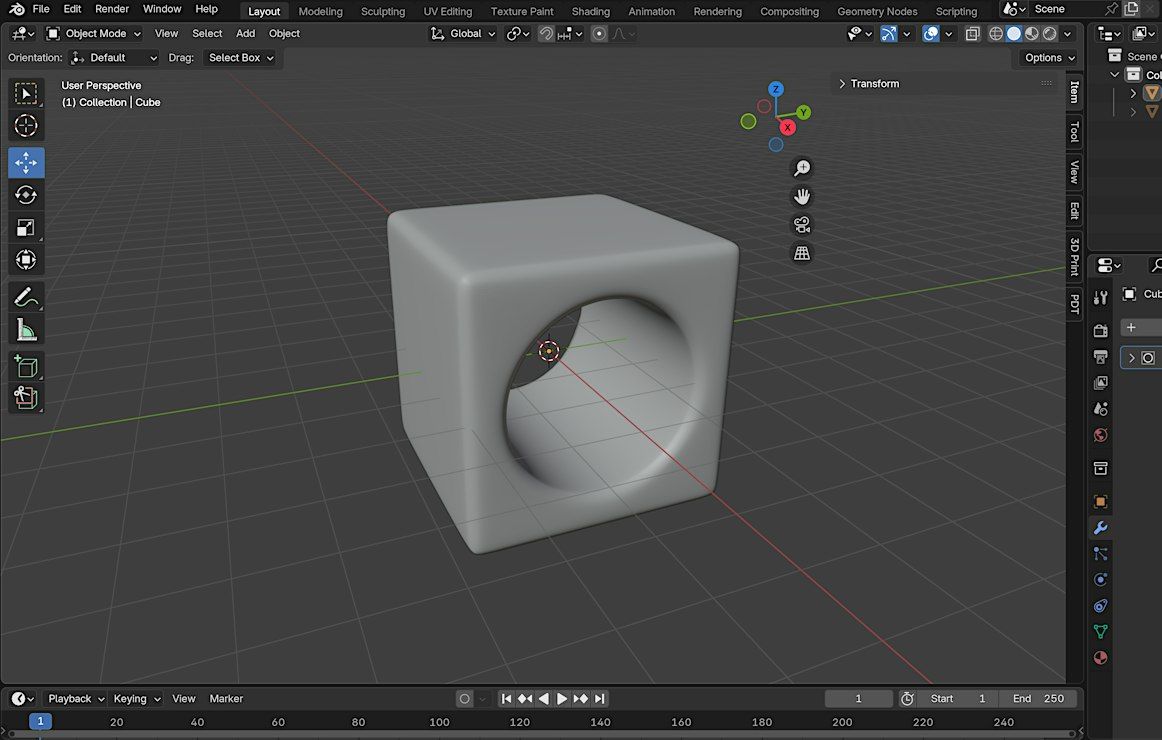
Blender is an incredibly popular tool used by 3D print designers to create their pieces. It has a bit of everything for modeling and, amazingly, is completely FREE to download and use. This 90-minute session will get you started in Blender and have you create a simple shape using the most common tools. We will also go over how to export your file for 3D printing and what things to be aware of. This class is a good introduction to Blender, but you can't learn everything in an hour and a half!
What You'll Learn:
- What is Blender and why to learn it over other programs?
- How to add Shapes to the work area
- How to change modes and edit your shapes
- Moving, scaling, and rotating
- Working with vertices, edges, and faces
- Tips for scaling your piece for 3D printing
- How to add basic modifiers
- Exporting for printing and reviewing your model in Bambu Studio
Who Should Attend: This workshop is ideal for those who understand the basics of 3D printing and modeling, but would like to branch out to design their own models. While this course only covers the very basics of Blender, it can assist you to know if you would like to dive deeper into the Blender design world. No Blender design experience needed.
What to Bring: A laptop with a mouse is recommended, but not required. We have laptops available for students to use during class. If you bring your own, please have Blender downloaded and ready to go before class starts. Blender is free to download here: https://www.blender.org/.
By the end of the workshop, you’ll walk away with the knowledge and confidence to create and manipulate simple shapes in Blender.
Ready to become a 3D Designer? Sign up today! Spaces are limited.
Event venue
3D Herndon, 590 Herndon Parkway STE 120, Herndon, United States
 Concerts, fests, parties, meetups — all the happenings, one place.