

About this Event
Group Discounts:
- Save 10% when registering 3 or more participants
- Save 15% when registering 10 or more participants
Duration: 1 Full Day (9:00 AM – 5:00 PM)
Delivery Mode: Classroom (In-Person)
Language: English
Credits: 8 PDUs / Training Hours
Certification: Course Completion Certificate
Refreshments: Lunch, beverages, and light snacks included
If you would like weekend training sessions, kindly reach out to us at for availability and scheduling.
Course Overview
This course offers a practical introduction to Linux for students and professionals working with biological data. You will learn to navigate Linux, manage biological files, use command-line tools, create basic scripts for automation, and work with remote HPC systems. Real datasets and straightforward workflows are used to build confidence in command-line bioinformatics. No programming background is required, and concepts are explained in an accessible, beginner-friendly manner.
Learning Objectives
- Understand the Linux environment and command-line workflow
- Navigate directories and organize biological data files
- Apply essential Linux commands in bioinformatics
- Execute commonly used bioinformatics tools
- Recognize and work with key biological file formats
- Create simple shell scripts for automation
- Work effectively on HPC and server-based environments
- Apply Linux knowledge to practical bioinformatics tasks
Target Audience
- Bioinformatics and computational biology students
- Molecular biology and biotechnology students
- Researchers working with DNA, RNA, or protein data
- Medical, clinical, and laboratory trainees
- Beginners entering command-line bioinformatics
- Professionals moving into computational roles
Why Choose This Course?
This course develops the fundamental Linux capabilities required for bioinformatics, including for learners starting from scratch. You will gain practical experience with biological files, commonly used tools, and real workflows, allowing you to apply your new skills confidently.
©2026 Catils. This content is protected by copyright law. Copy or Reproduction without permission is prohibited.
In-House Training
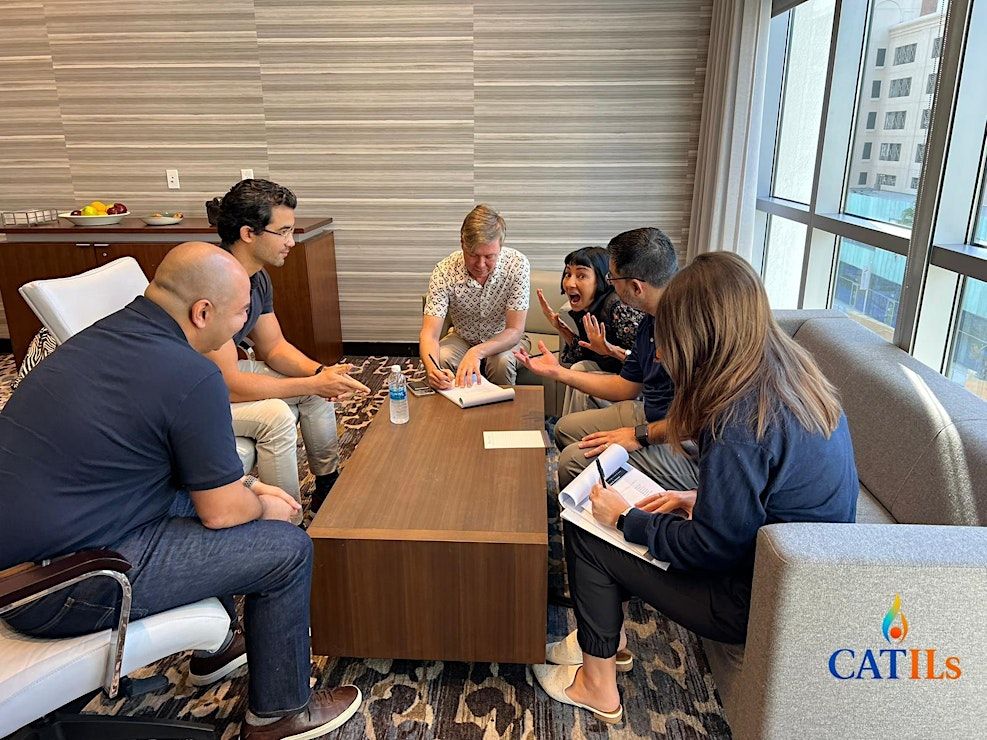
We offer customized in-house training for universities, hospitals, research laboratories, and biotechnology companies. Sessions can be adapted to your datasets, workflow requirements, and team skill levels to build consistent and practical command-line capabilities.
📧 Contact us today to schedule a customized in-house, face-to-face session:


Agenda
Module 1: Linux Basics
Info: • Introduction to Linux and its use in bioinformatics
• Understanding the file system and directory structure
• Basic file handling and navigation
• Icebreaker Activity
Module 2: Working With Biological Files
Info: • Opening and interpreting FASTA and FASTQ files
• Searching biological patterns in datasets
• Editing and organizing sequence files
• Activity
Module 3: CLI Bioinformatics Tools
Info: • Installing common bioinformatics tools
• Running analyses using command-line tools
• Understanding file formats like FASTA, FASTQ, SAM, BAM
• Role Play
Module 4: Shell Scripting
Info: • Writing simple shell scripts for automation
• Using variables, loops, and logic in scripts
• Applying scripts to bioinformatics workflows
• Case Study
Module 5: Working on HPC & Remote Servers
Info: • Connecting to remote servers and cluster environments
• Submitting jobs using schedulers
• Monitoring job outputs and logs
• Simulation
Module 6: Practical Data Processing Concepts
Info: • Organizing bioinformatics project directories
• Running small data analyses with installed tools
• Processing sequence data through simple workflows
• Group Brainstorm Activity
Module 7: Practical Hands-On Challenge
Info: • Executing a full beginner-friendly sequence analysis
• Running scripts on sample datasets
• Interpreting results from multiple command-line tools
• Action Plan Review
Event venue & nearby stays
Regus BC, Vancouver - Pacific Centre, 701 West Georgia Street, Suite 1500, Vancouver, Canada
 Concerts, fests, parties, meetups — all the happenings, one place.