About this Event
Bring your team and save:
1. Groups of three or more receive a 10% discount
2. Organizations hosting an in-house session with 10+ participants enjoy a 15% discount.
About This Course
Duration: 2 Days (9:00 AM – 5:00 PM)
Delivery Mode: Classroom / In-Person Workshop
Language: English
Credits: 16 PDUs / Training Hours
Certification: Course Completion Certificate Provided
Refreshments: Lunch, tea/coffee, and snacks included
Course Overview
Power BI is the newest Analytics & Business Intelligence tool developed by
Microsoft. Power BI is one of the most robust business Intelligence platforms
available for data modeling.
In this module we will learn the basics of this Power BI, and all the five
components of the tool (Visualizations, Dashboards, Reports, Apps and
Datasets).
There will be demos and introduction about Power BI desktop, Power BI
website, Mobile Apps and Office 365 Power BI Subscription. You will also
learn the easy methods of using Power BI in some scenarios.
Learning Objectives
- Understand primary features of a self-service Power BI solution
- Utilize Power BI and its data sources
- Combine, analyze, model, shape, and visualize data
- Report data using rich dashboards
Target Audience
This Microsoft Power BI Course is for all the professionals who want to
understand how to use the tools and create customized reports. Who are
passionate about Business Intelligence are also welcomed. Some of Job roles
include:
- Product Managers
- Data Engineers
- Business Analysts
- Data Analysts
- Business Intelligence Manager
- Data Scientists
- Project Managers
- Program Managers
- Professionals Working with Data
Why choose this course?
This two-day workshop provides hands-on exposure to Microsoft Power BI, covering data acquisition, transformation, modeling, visualization, and administration. Participants gain practical experience with Power BI Desktop, Power Query, Power Pivot, Power View, Power Map, and Power Q&A while learning best practices for creating dashboards, reports, and business intelligence solutions applicable to real-world challenges.
©2026 MG Aussie Events. This content is protected by copyright law. Copy or Reproduction without permission is prohibited.
Want to train your entire team together?
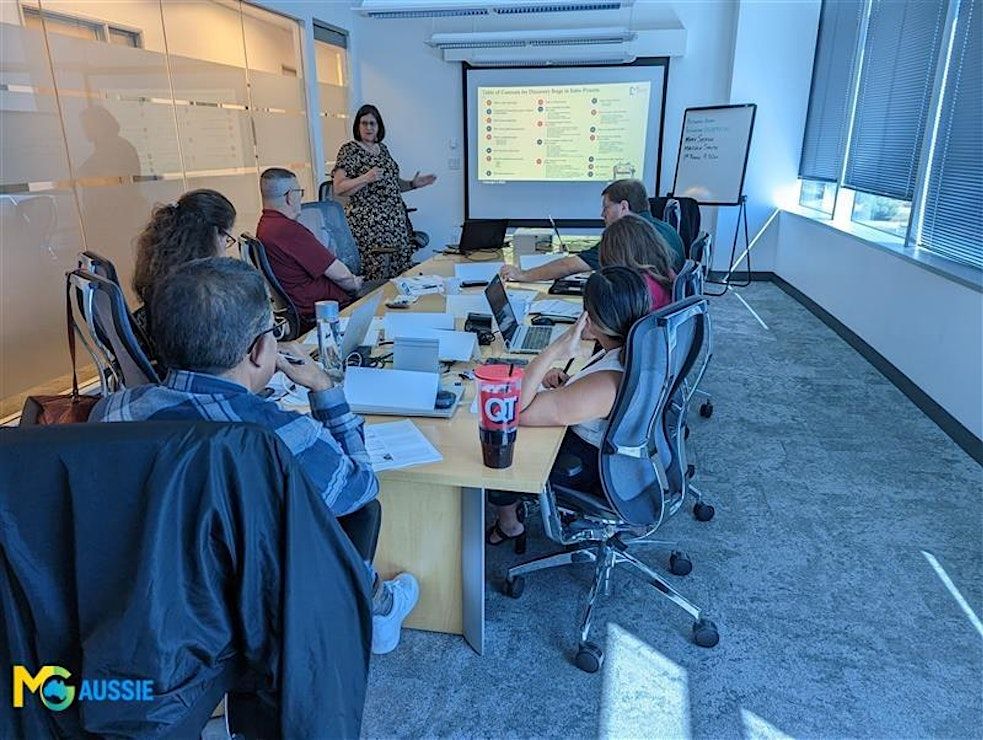
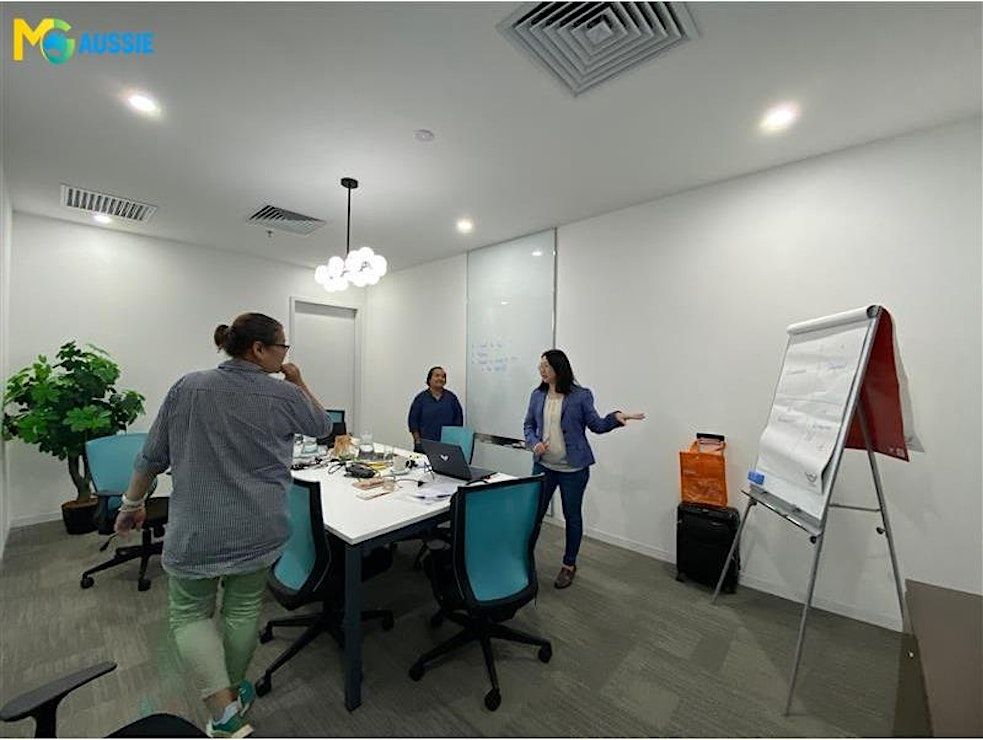
This two-day workshop can be delivered as a classroom, virtual, or on-site program, making it suitable for team-based learning and organizational training needs.
Contact us today to schedule a customized in-house, face-to-face session:

Agenda
Module 1: Introduction to Power BI
Info: Power BI is the analytics tool. This provides interactive visualizations and
business intelligence capabilities with a simple interface for users to create
their own reports and dashboards. It is the data visualization and business
intelligence tool that converts data from different sources to interactive
dashboards.
Module 2: Getting Data
Info: The first experience of working with Power BI is getting data. For some data
sources you can have a live or direct connection and some connections work
offline. Power BI takes information from data sources and turns them into
custom visuals designed to help an organization not only read the info but
get a clear idea of what to do. Here you can connect too many data sources
on-premises or on cloud. In this module you will learn everything about
getting data experience in Power BI.
Module 3: Power Query for Data Transformation
Info: Power BI (including Power Query & Power Pivot) is the biggest Excel news
item in the last 10 years. Power Query is the data transformation and data
preparation engine of Power BI. Power Query is also part of Power BI
Desktop. With Power Query you can import or connect external data. In this
module you will learn about all different versions of Power Query, their
similarities, and differences, as well as configuration and requirements of
using them.
Module 4: Power Pivot for Data Modeling
Info: Power Pivot is an in-memory data modeling component that enables
highly-compressed data storage and extremely fast aggregation and
calculation in Power BI. Modeling effectively is the key to a high performance
BI solution. Here you will learn the basics of Power Pivot such as creating
relationships, and calculated members, as well as advanced best practices
and DAX expressions. You will learn the basics of data modeling using DAX
and creating live dashboards for reporting in real world challenges.
Module 5: Data Visualization with Power View, Power BI Desktop and Power Map
Info: Power BI is the data visualization tool. Data Visualization is the front end of
any BI application; this is the user view point of your system. This tool allows
you to embed your custom visualization into your website or app. In this
module you will learn conceptual best practices of data visualizations which
are valid through all data visualization tools. You will possess Power View and
Power Map skills. Power View is the interactive data visualization technology
that lets you to create interactive charts, graphs and maps. Power Map is a
3D geo-spatial data visualization tool. You will learn how to create effective
dashboards and charts using these tools as well as best practices for
working. Also two versions of Power View; Power View for Excel, and Power
View for SharePoint which will be covered in this module as well.
Module 6: Designing the best solution with Power Q&A
Info: How Power Q&A works? Power BI Q&A searches through all the reports,
datasets, and visualizations on a selected workspace to come up with the
best results. Thus, as you formulate your question, the answer will change as
more and more details are typed. Power Q&A is a question and answering
engine which works based on human natural language. Power Q&A
automatically will be enabled on Power BI files deployed into Power BI
website, or Office 365 subscription. There are some tips and tricks you
need to know about how to design your model to get the best answers
through Power Q&A and in this module you will learn best practices for
modeling that effect on the response of Power Q&A.
Module 7: Power BI Desktop; combination of three tools
Info: Power BI Desktop combines interactive visualizations. This is the new tool
that enhances the combination of Power Query, Power Pivot, and Power
View components. Power BI Desktop has great features that will be fully
explored in this module. You will learn the differences between the original
version and Power BI Desktop. You will also learn how to use Power BI
desktop to mash up data, model it, and visualize it. Best practices of design
will be all discussed with demos.
Module 8: Administration
Info: Power BI components can be deployed into different environments such as
Power BI website, Office 365 subscription. In module – 8, we will go through
configurations, deployment options and requirements required for each
environment. You will know how to deploy your Power BI files into the
Power BI website. These three elements - Power BI Desktop, the service, and
the mobile apps are designed to let you create, share, and consume business
insights in the way that serves you and your role most effectively. You will
gain the skills to work with these three elements.
Event Venue & Nearby Stays
Regus-Brisbane – Spaces Jubilee Place, Spaces Riparian Plaza venue address : Level 38, 71 Eagle Street, Brisbane, Australia
AUD 1191.45 to AUD 1535.58










![[FINAL TICKETS] TUBULAR BELLS IN CONCERT | Wed 10 June 2026 | QPAC, Brisbane](https://cdn-ip.allevents.in/s/rs:fill:500:250/g:sm/sh:100/aHR0cHM6Ly9jZG4tYXouYWxsZXZlbnRzLmluL2V2ZW50czEwL2Jhbm5lcnMvMzExNzFiMjc3NWRhNzkzNjIwMjNkM2EyMmY2ODgzZDAwNjAzNGRiYTdjZGM2NWVjZmVjY2YxOThjYmJlMzdiOS1yaW1nLXcxMjAwLWg2MjgtZGNhOWMwZDgtZ21pcj92PTE3ODA5MTIyODM.avif)