About this Event
Bring your team and save:
1. Groups of three or more receive a 10% discount
2. Organizations hosting an in-house session with 10+ participants enjoy a 15% discount.
Duration: 1 Full Day (8 Hours)
Delivery Mode: Classroom (In-Person)
Language: English
Credits: 8 PDUs / Training Hours
Certification: Course Completion Certificate
Refreshments: Lunch, snacks, and beverages will be provided during the session
If you would like weekend training sessions, kindly reach out to us at [email protected] for availability and scheduling.
Course Overview:
Strong digital skills are essential for workplace efficiency and professional communication. This 1-day training equips you with practical knowledge of core Microsoft Office tools and effective email management techniques.
You will learn how to create, format, and manage documents, spreadsheets, and presentations while developing professional email communication skills. The program focuses on real-world applications to help you work smarter, stay organized, and communicate clearly in a business environment.
Learning Objectives:
- Create and format professional documents using Microsoft Word
- Work with basic data and formulas in Excel
- Design impactful presentations in PowerPoint
- Manage your emails efficiently using Outlook
- Apply professional email etiquette in your workplace communication
- Organize your schedule, meetings, and tasks effectively
- Improve your productivity using Microsoft Office tools
Target Audience:
- Administrative and support staff
- Entry-level professionals
- Team members using Microsoft Office tools
- Anyone looking to improve digital and email skills
Why Choose This Course?
This practical and engaging training helps professionals build essential Microsoft Office and email management skills to improve productivity, organization, and workplace communication in today’s digital work environment.
©2026 MG Aussie Events. This content is protected by copyright law. Copy or Reproduction without permission is prohibited.
Want to train your entire team?
This course is available as a customizable in-house training program tailored to your organization’s workflow, team requirements, and productivity goals for practical and business-focused learning.
Contact us today to schedule a customized in-house, face-to-face session: [email protected]
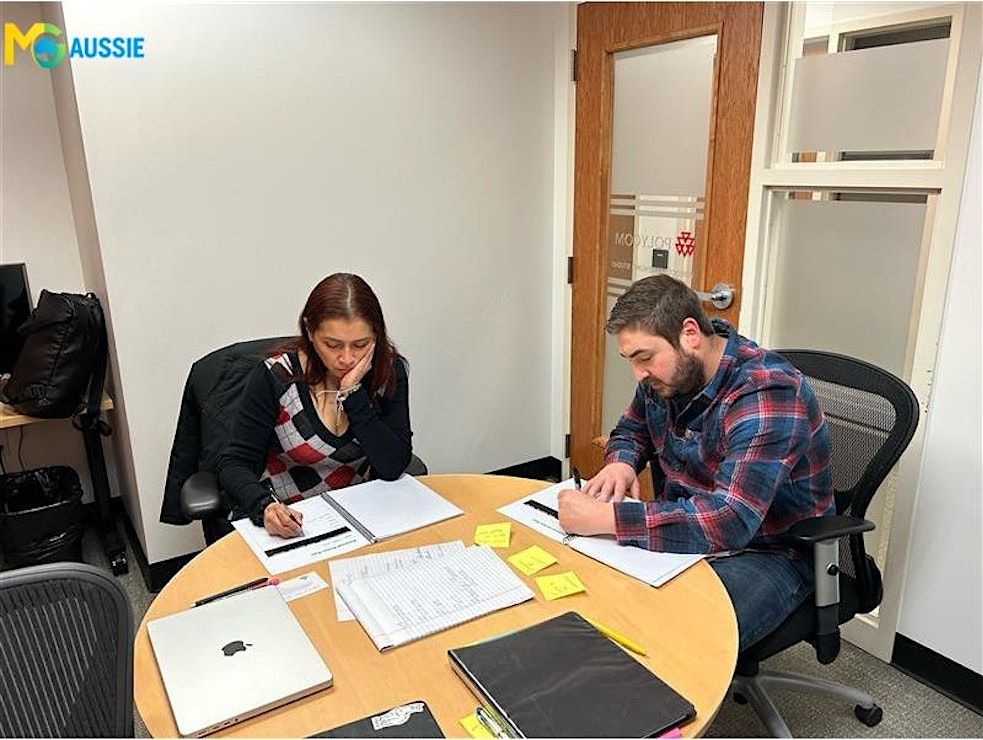
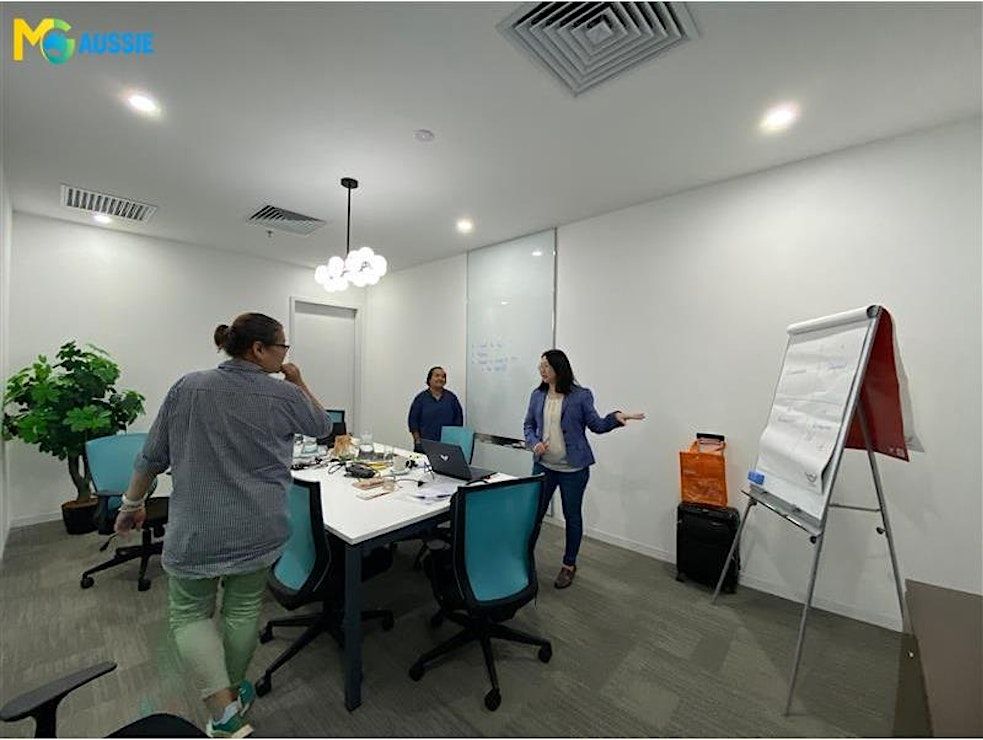
Agenda
Module 1: Introduction to Microsoft Office Tools
Info: ● Overview of Microsoft Office Suite (Word, Excel, PowerPoint, Outlook)
● Importance of digital productivity in the workplace
● Navigation and interface basics
● Activity
Module 2: Microsoft Word Essentials
Info: ● Creating and formatting professional documents
● Working with styles, headings, and layouts
● Inserting tables, images, and formatting elements
● Saving, sharing, and exporting documents
● Activity
Module 3: Microsoft Excel Basics
Info: ● Understanding spreadsheets and data entry
● Basic formulas and functions (SUM, AVERAGE, etc.)
● Formatting data and creating simple charts
● Sorting and filtering data
● Activity
Module 4: Microsoft PowerPoint Fundamentals
Info: ● Creating effective presentations
● Slide design and layouts
● Adding visuals, charts, and transitions
● Presentation delivery tips
● Activity
Module 5: Email Management (Outlook)
Info: ● Organizing your inbox (folders, categories, rules)
● Prioritizing emails using flags
● Managing attachments and email threads
● Using search and filtering techniques
● Activity
Module 6: Professional Email Communication
Info: ● Writing clear and concise emails
● Using the right tone in workplace communication
● Managing CC and BCC effectively
● Avoiding common email mistakes
● Role Play
Module 7: Calendar & Task Management
Info: ● Scheduling meetings and appointments
● Managing your calendar efficiently
● Setting reminders and recurring tasks
● Improving time management using Outlook
● Activity
Module 8: Workplace Productivity & Best Practices
Info: ● Integrating Office tools into your daily workflow
● Organizing your files and documents efficiently
● Reducing digital clutter and distractions
● Building productive work habits
● Capstone Activity
Event Venue & Nearby Stays
Regus-Darwin, 66 Smith Street, Level 4 and 5, 66 Smith Street, Darwin City, Australia
AUD 810.27 to AUD 1006.16