About this Event
💡 Group Discount Alert – Learn More, Save More Together!
🎟️ Check tickets now for exciting group discounts!
Duration: 1 Full Day (8 Hours)
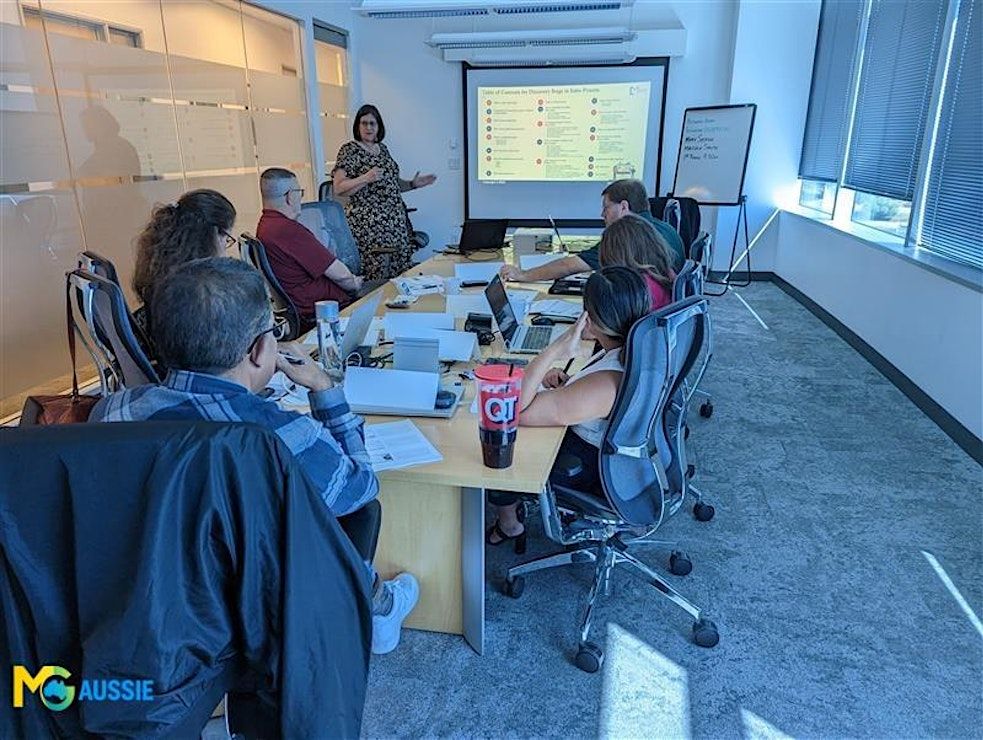
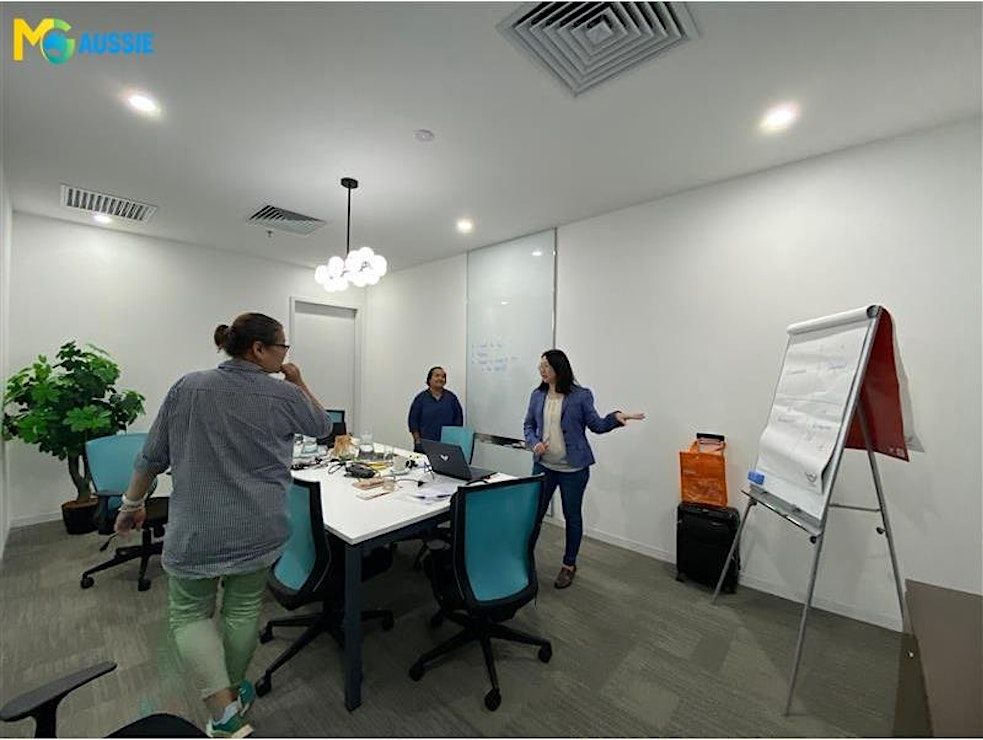
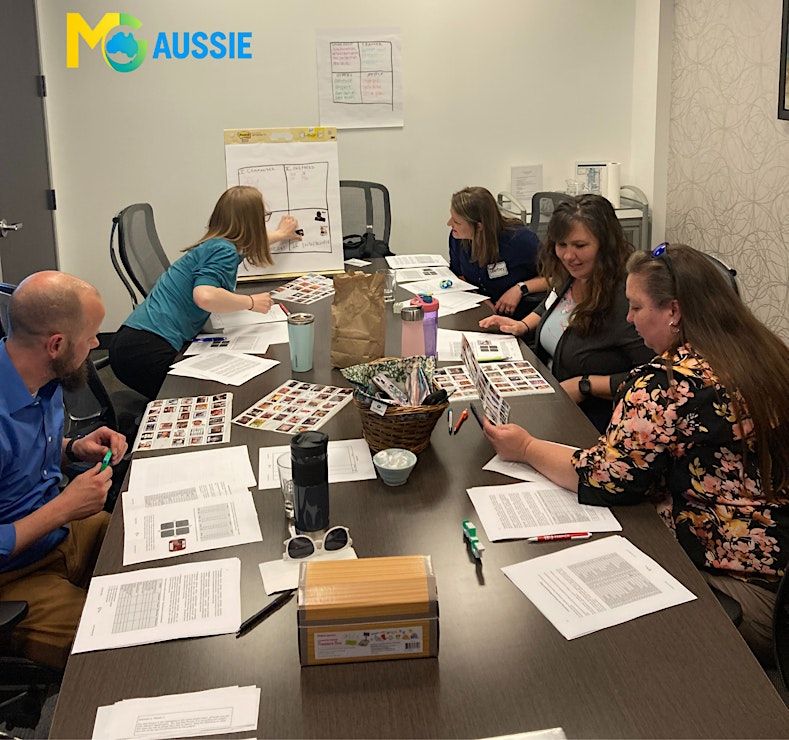
Delivery Mode: Classroom (In-Person)
Language: English
Credits: 8 PDUs / Training Hours
Certification: Course Completion Certificate
Refreshments: Lunch, Snacks and beverages will be provided during the session
Course Overview:
This Introduction to HTML, CSS & JavaScript course lays the foundation for modern web development. You’ll learn how to structure content with HTML, style web pages using CSS, and add interactivity with JavaScript. Through hands-on exercises and guided examples, this course empowers beginners to build responsive, dynamic websites from scratch.
Learning Objectives:
By the end of this course, you will:
- Understand core web development technologies: HTML, CSS, and JavaScript
- Build structured, responsive web pages from scratch
- Apply styles effectively using modern CSS techniques
- Add interactivity using basic DOM manipulation with JavaScript
- Confidently explore further web development libraries and tools
Target Audience:
- Students
- Web design beginners
- Aspiring front-end developers
©2026 MG Aussie Events. This content is protected by copyright law. Copy or Reproduction without permission is prohibited.
Why is it right fit for you:
Whether you're looking to start a career in web development or want to add valuable technical skills, this course gives you a strong start. It is designed with beginners in mind, ensuring concepts are explained clearly and reinforced through practice. With real-time hands-on examples and expert instruction, you'll leave feeling confident in your ability to build and customize web pages using core web technologies. Start here to unlock the limitless world of web creation.
📧 Contact us today to schedule a customized in-house, face-to-face session:



Agenda
Module 1: Introduction to Web Development
Info: • How the web works
• Developer tools and setup
• Understanding client vs server
• Activity
Module 2: Basics of HTML
Info: • HTML tags and document structure
• Forms, media elements, and hyperlinks
• Semantic elements and best practices
• Exercise
Module 3: Introduction to CSS
Info: • Inline, internal, and external CSS
• Colors, fonts, margins, and padding
• CSS selectors and specificity
• Exercise
Module 4: Responsive Web Design Basics
Info: • Media queries and flexible layouts
• Mobile-first design approach
• Using CSS Grid and Flexbox
• Task
Module 5: JavaScript Fundamentals
Info: • Variables, data types, and operators
• Functions, conditions, and loops
• DOM manipulation basics
• Task
Module 6: Event Handling & Interactivity
Info: • Event listeners in JavaScript
• Responding to user inputs
• Simple animations with JS
• Activity
Module 7: Working with the DOM
Info: • Selecting and modifying HTML elements
• Adding and removing content dynamically
• Understanding the tree structure
• Exercise
Module 8: Bringing It All Together
Info: • Combining HTML, CSS, and JS
• Enhancing functionality and aesthetics
• Testing and debugging tips
• Activity
Module 9: Next Steps in Web Development
Info: • Version control basics (Git)
• JavaScript libraries and frameworks (intro)
• Free resources to continue learning
• Discussion
Event Venue & Nearby Stays
Regus - Canberra, Gateway Business Center, CANBERRA, Canberra Airport Level 4, Plaza Offices, Australia
AUD 582.62 to AUD 688.50